AI photography for jewellery
Your next photoshoot starts with the photo you already have.
Transform existing jewellery photographs into new angles, lighting setups, model poses and campaign visuals.
Free public beta · 25 credits on sign-up · no card required
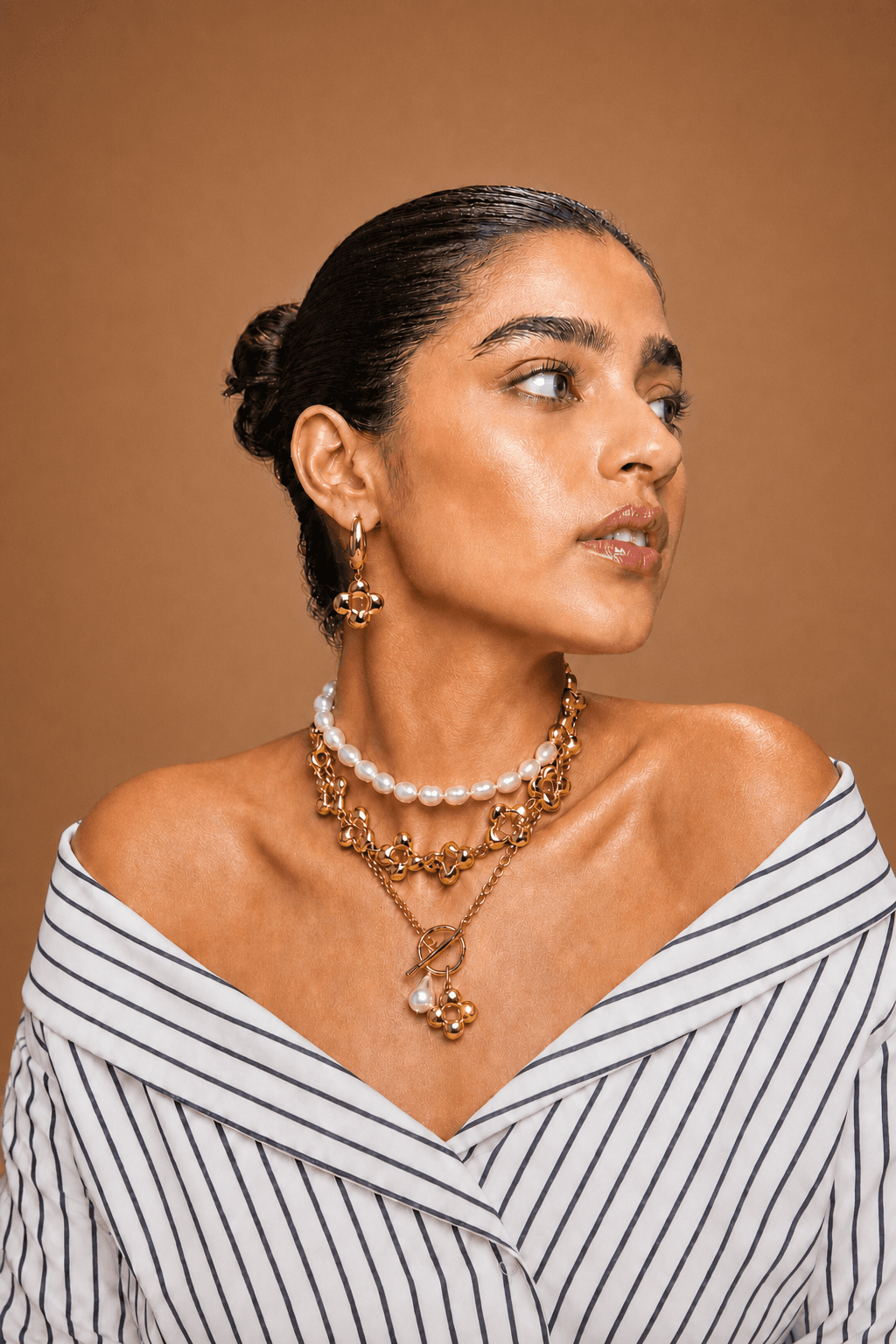
Gem Sparkle lighting preset, generated in Vstudio.
Product demonstration
One photograph. Every lighting setup.
The same model and the same pieces, relit with Vstudio's lighting presets — no new shoot, no new model booking.
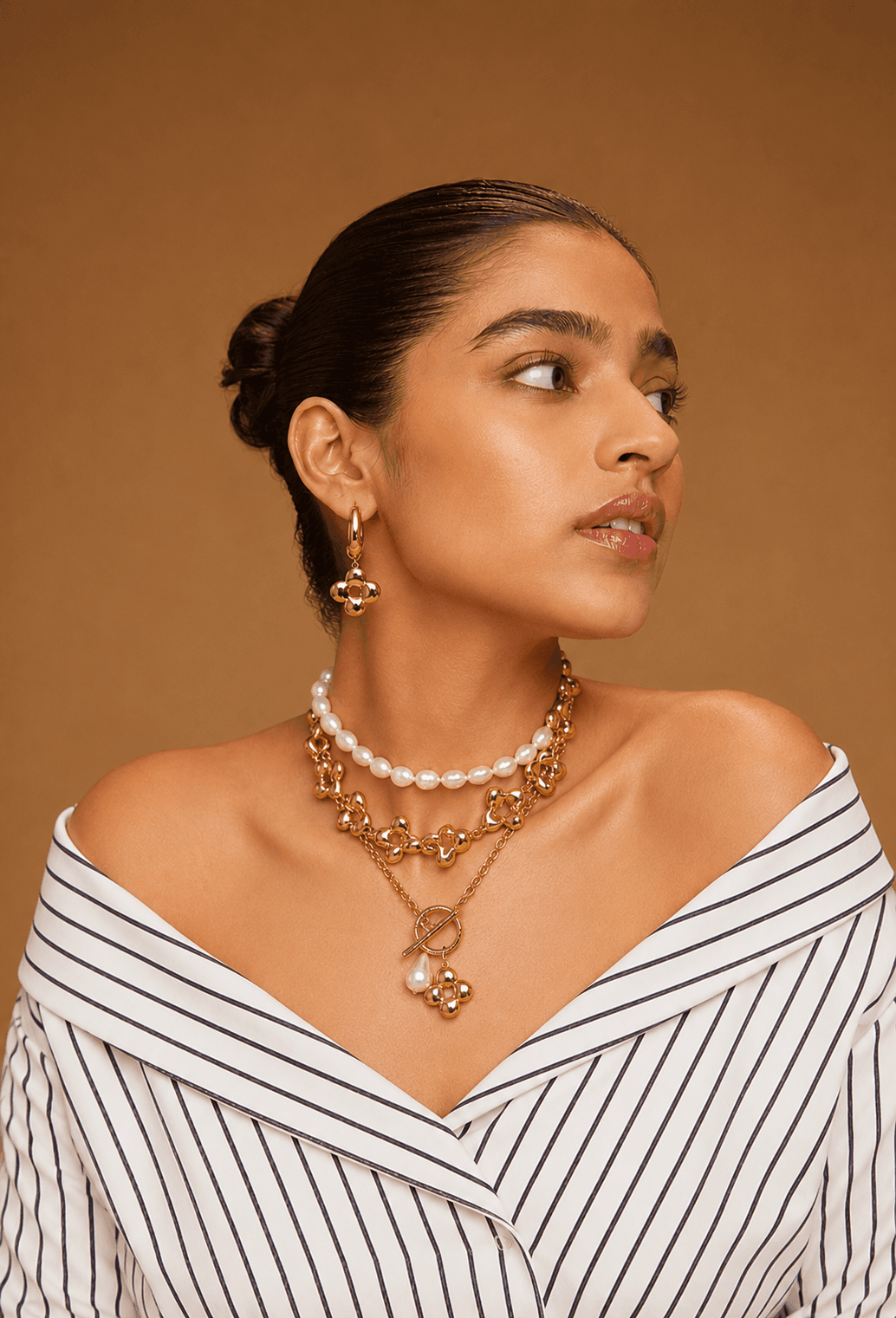
Original
The photo you already have
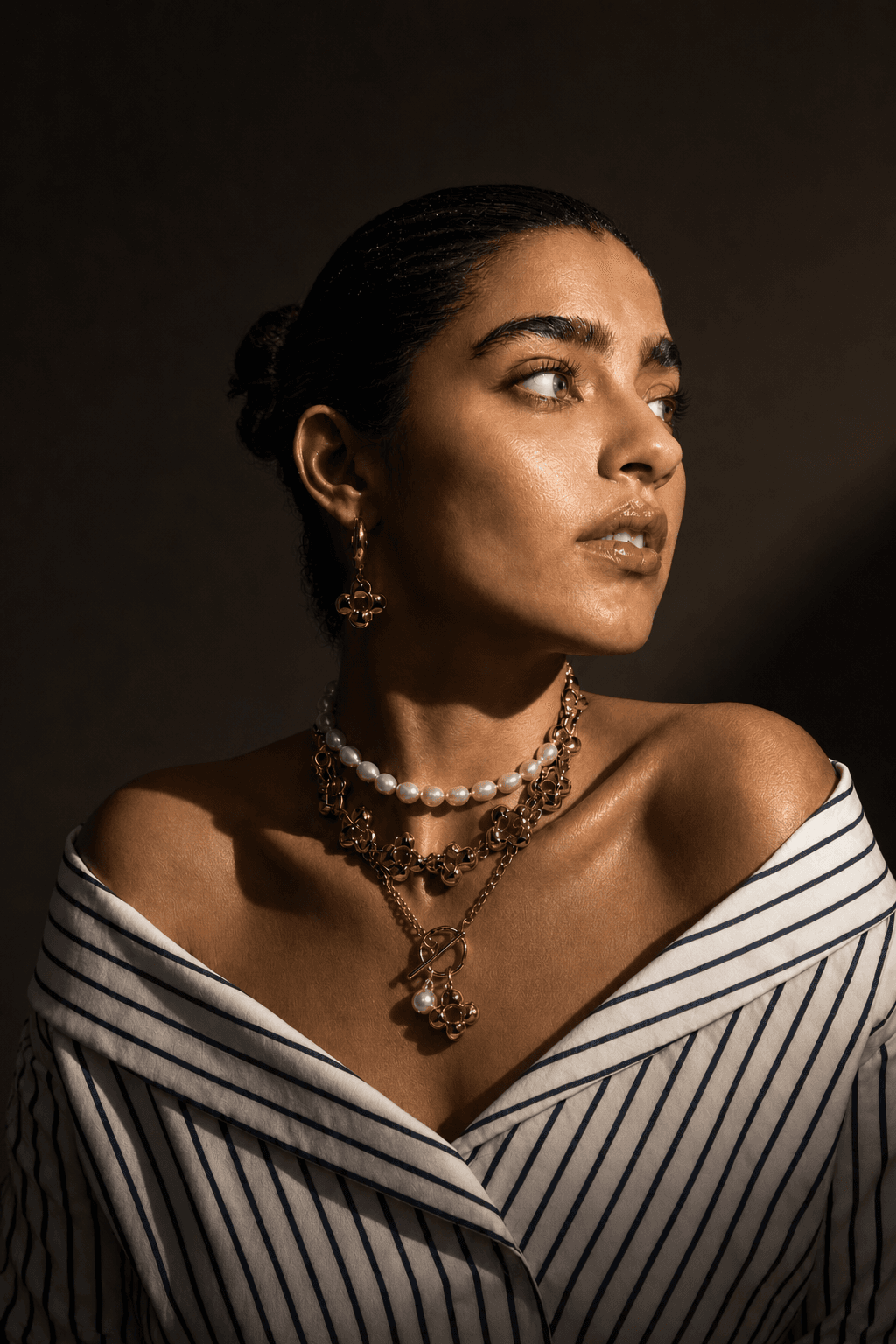
Chiaroscuro
Lighting preset
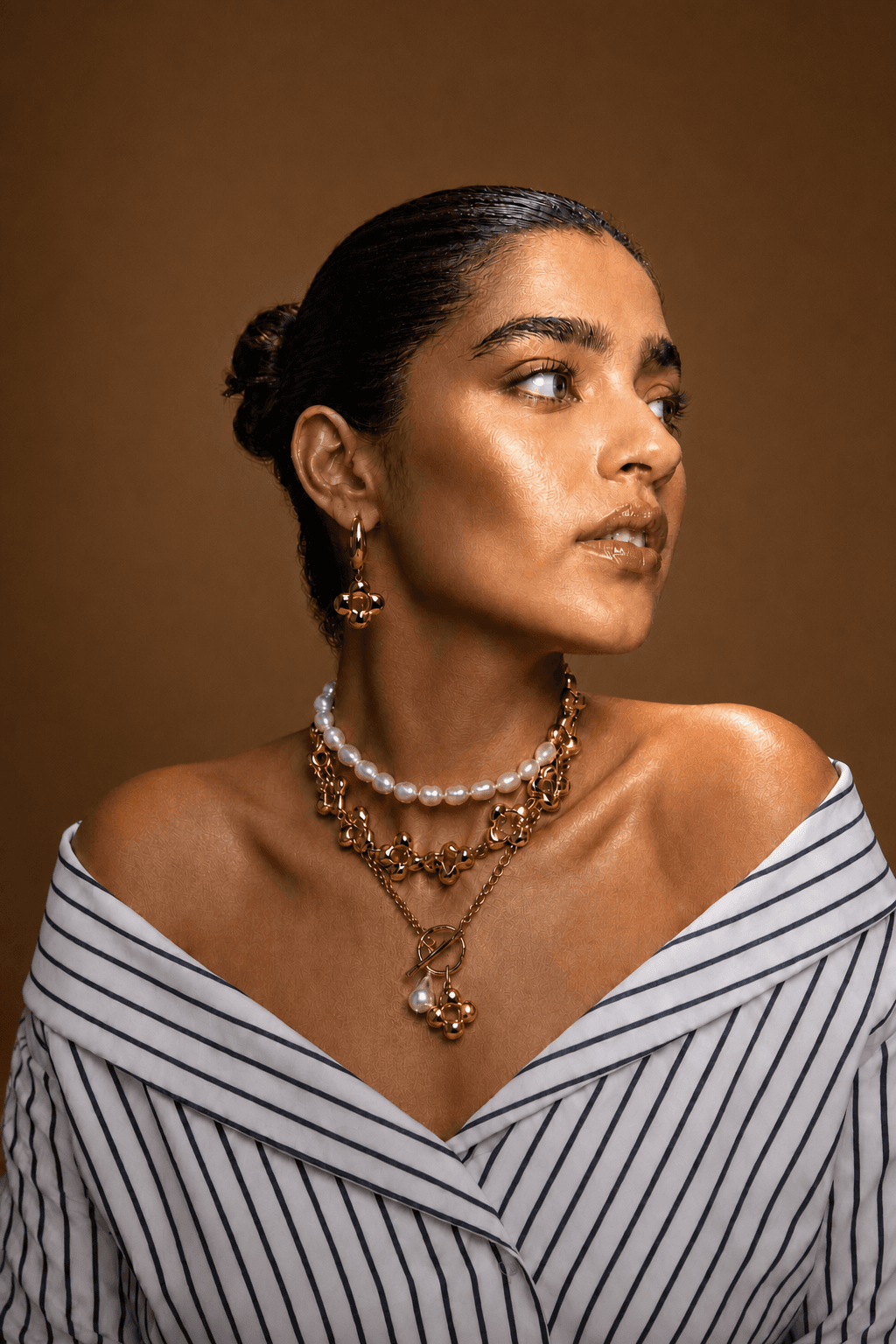
Rembrandt
Lighting preset
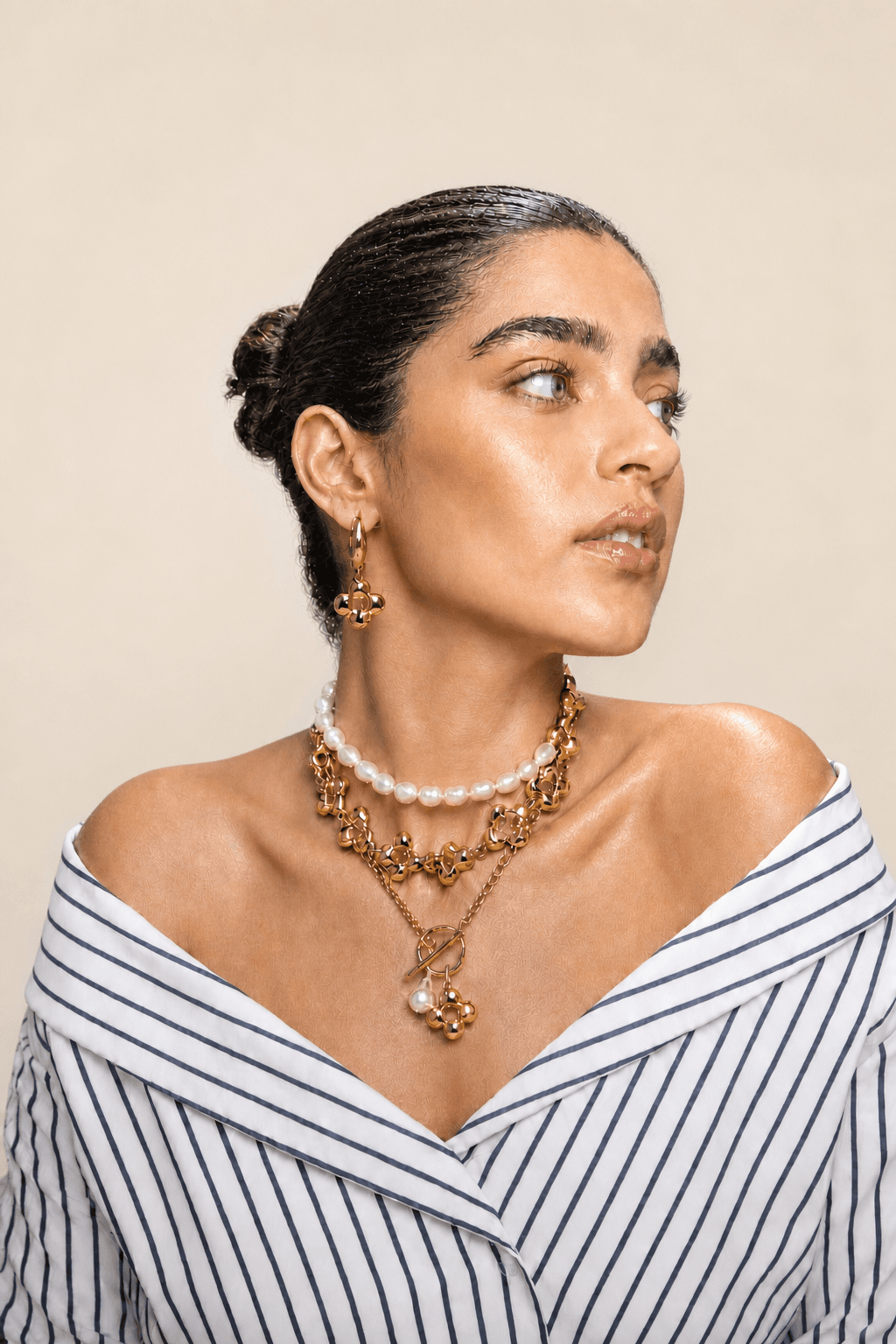
High-key soft
Lighting preset
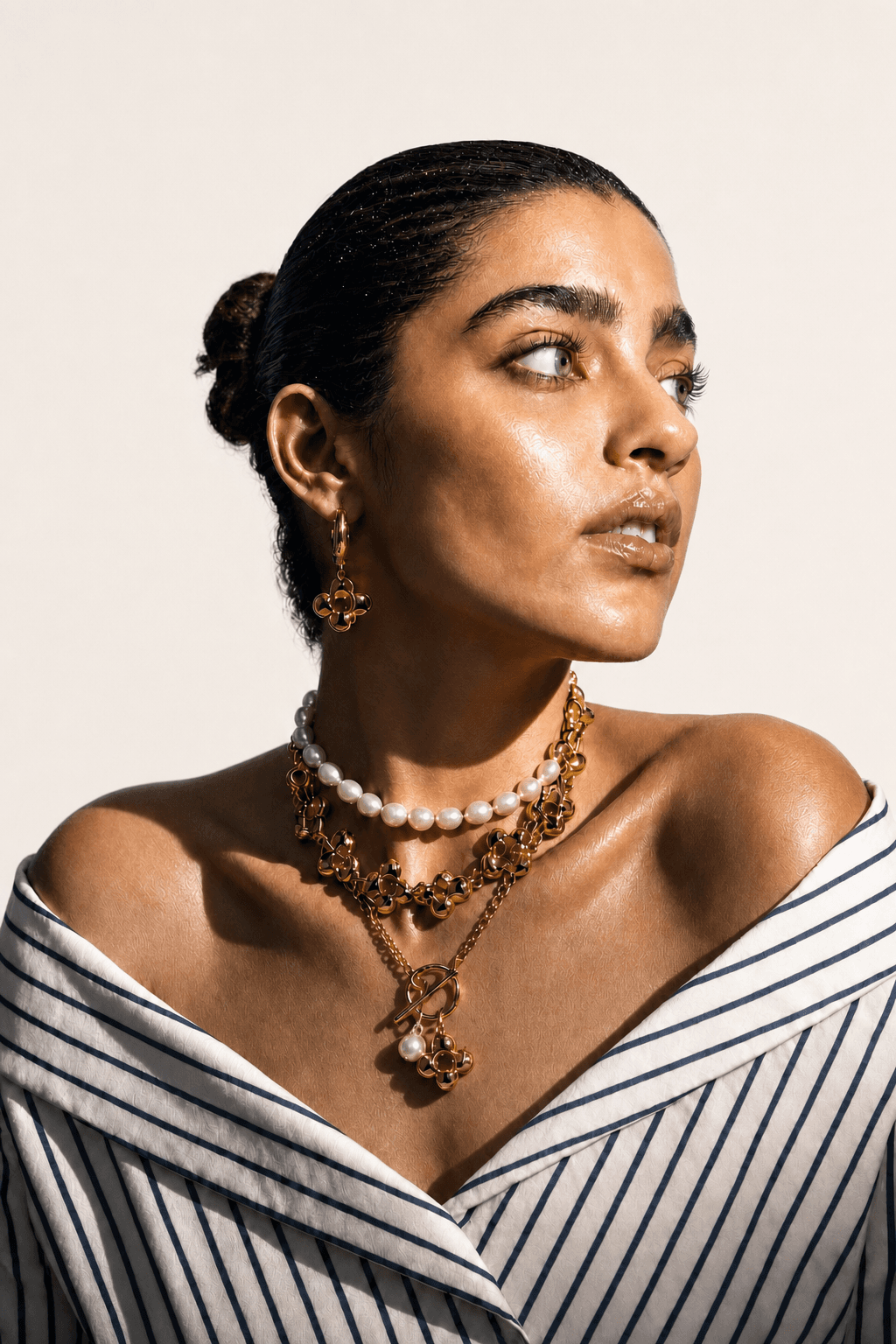
Hard sunlight
Lighting preset
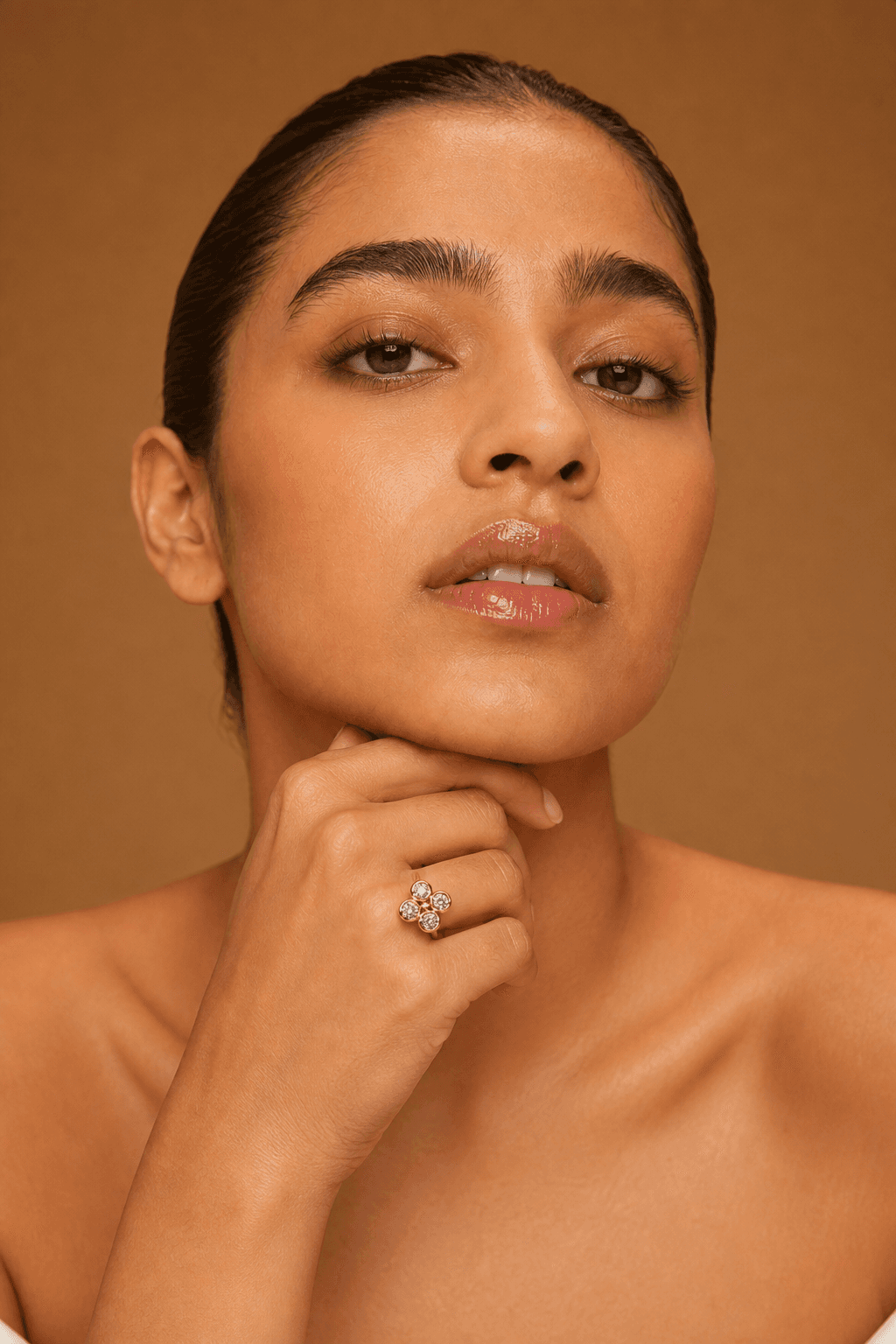
Chin on knuckles
Pose preset
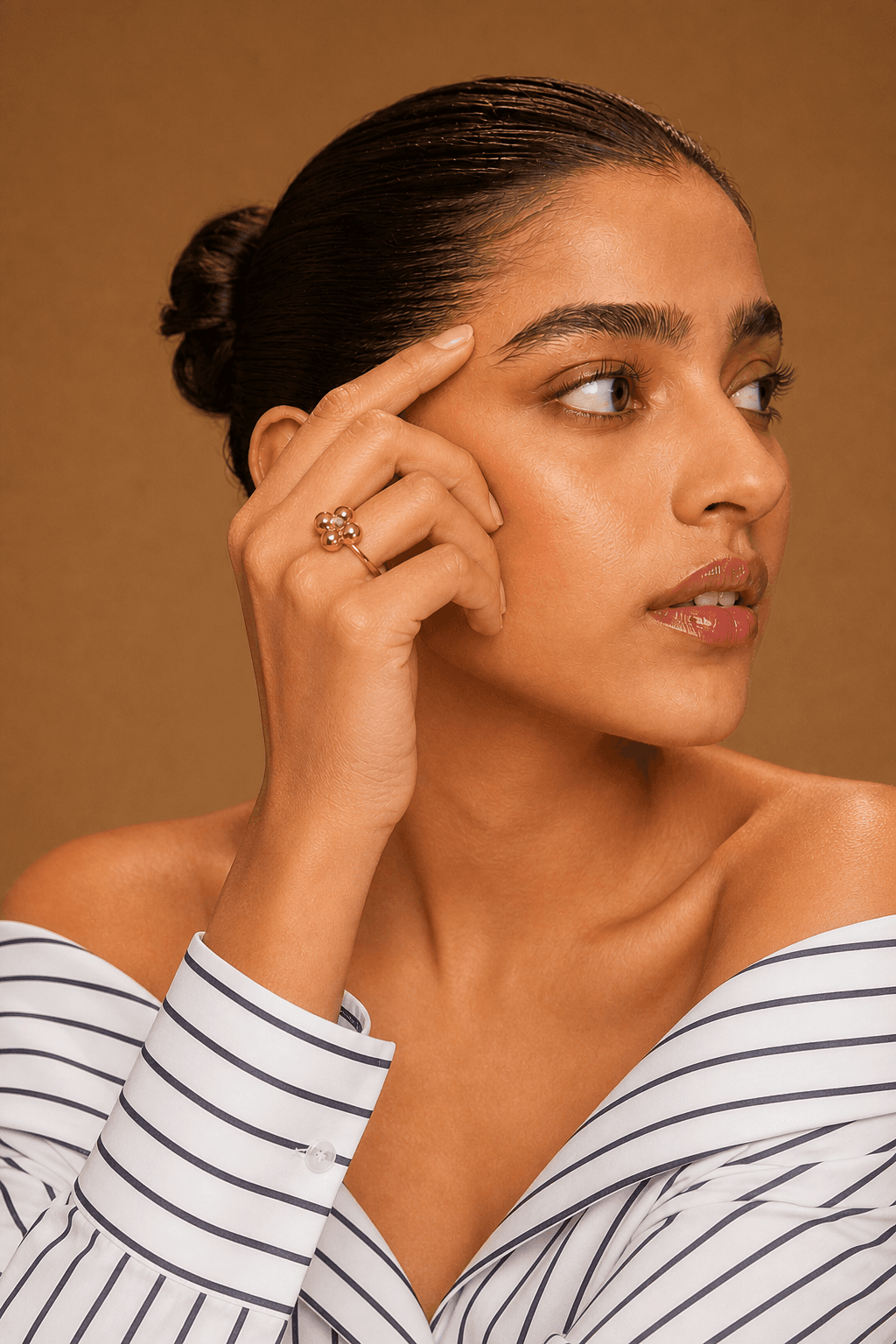
Temple touch
Pose preset
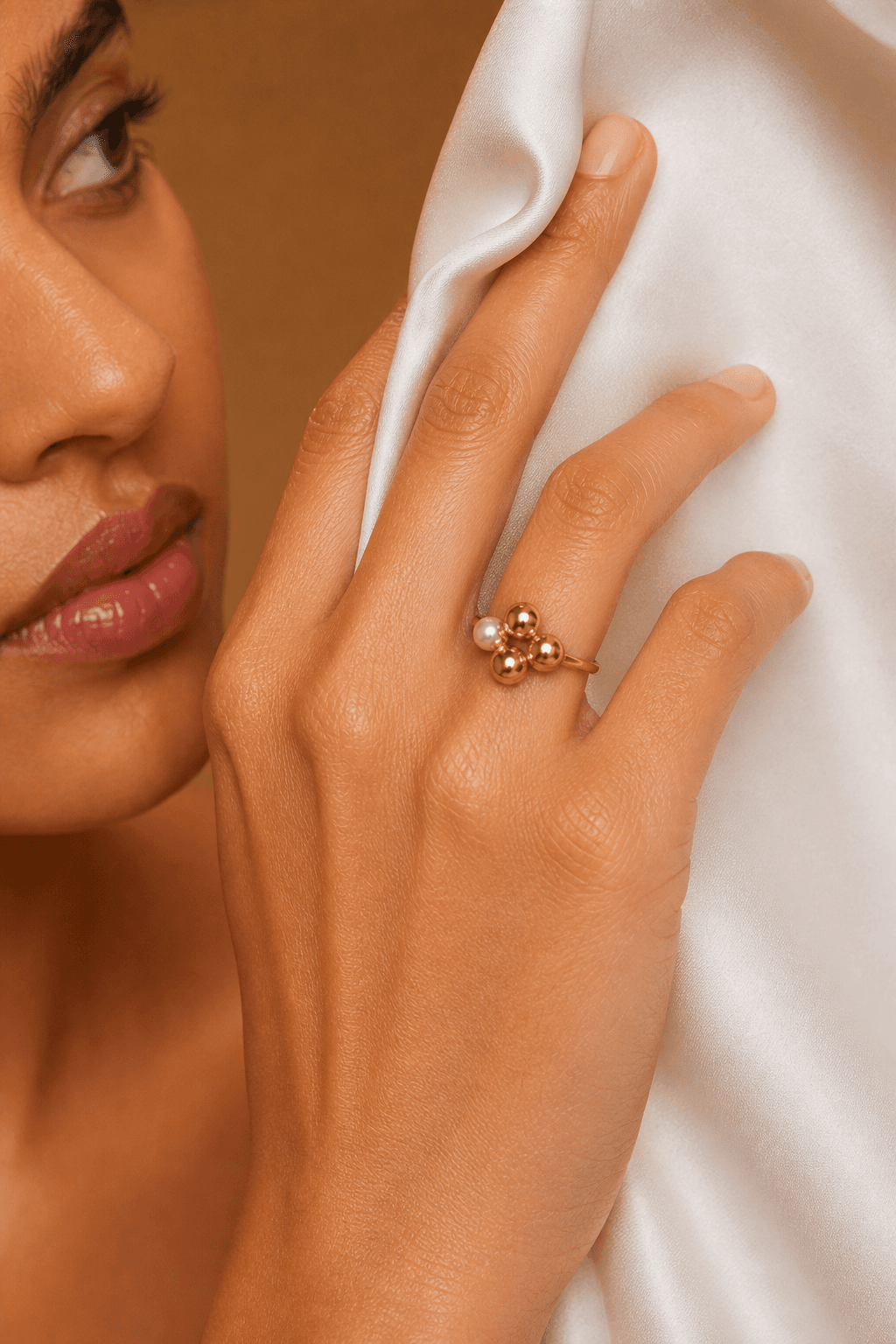
Holding silk
Pose preset
How it works
From one photo to a full set in three steps.
Upload a photo you already have
Start from an existing jewellery shot — on a model or on its own. JPG, PNG or WebP.
Choose what to change
Move the camera, relight the scene, re-pose the model, swap the background or change the lens.
Generate and download
Compare against the original, keep the versions you like and download them for your catalogue or campaign.
Features
A full studio, built around your existing shots.
Camera
Orbit the shot in 3D — set the horizontal angle, elevation and distance to get a new viewpoint of the same piece.
Lighting
Apply studio setups like Rembrandt, butterfly, clamshell or chiaroscuro, or match the light from a reference image.
Pose
Re-pose the model with presets or a reference photo while keeping the jewellery in place.
Background
Swap the setting behind your subject using presets or a reference background.
Lens & depth of field
Change focal length and aperture for a tighter portrait or a softer, more editorial background.
Skin Fix
Clean up skin while keeping natural texture, so close-ups of rings and earrings stay believable.
Beta access
Free during the public beta.
Create an account and start with free credits. Paid plans will open after the beta.
- Credits on sign-up25
- Credits per generation5
- Free generations5
- Failed generationsRefunded automatically
- Generated images kept for90 days
FAQ
Questions, answered.
What is Vstudio?
Vstudio is an AI photography studio for jewellery. You upload a photo you already have and generate new versions of it — a different angle, lighting setup, model pose, lens or background — without booking another shoot.
How much does it cost during the beta?
The public beta is free. Every new account gets 25 credits, and each generation uses 5 credits — enough for 5 generations. Paid plans will open after the beta.
What happens if a generation fails?
If a generation fails or is rejected, the credits for it are returned to your account automatically.
What kind of photos work best?
Sharp, well-lit photos where the jewellery is clearly visible. Higher-resolution originals give better results. Photos of people should only be uploaded if you have their permission.
How long are my images kept?
Generated images are kept for 90 days and then deleted automatically, so download the ones you want to keep. Photos you upload stay in your projects until you delete them.
Who can see my images?
Your uploads and results are stored privately and are only visible to your account. To generate images, your photos are sent to our AI provider, OpenAI, for processing. See the Privacy Policy for details.
Does it work on mobile?
You can sign in and browse on a phone, but the studio is designed for a desktop or laptop screen.
Start creating